Pay for your organization
See your package on Billing, change your card, switch packages, and pay after a card payment fails, as an admin or a teacher.
Your organization's package and its payments are on Billing. Owners and admins manage them. If a card payment fails, teachers can pay too.
See your package
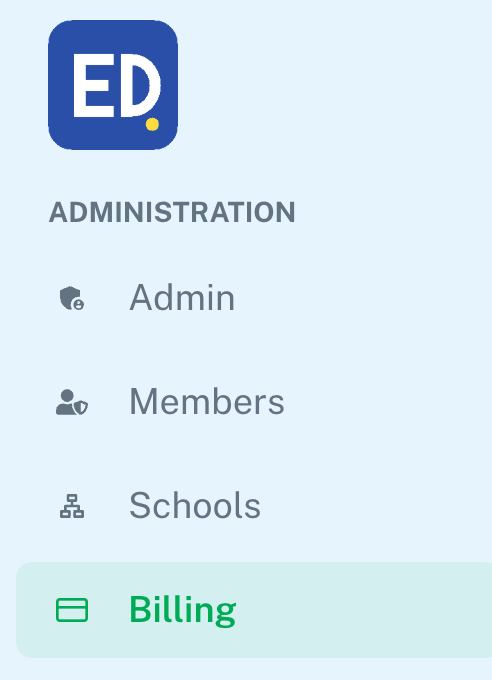
- In the sidebar, under Administration, select Billing.
- Billing shows your package and its price, when your trial ends or your package renews, and how many teachers, students and schools you have against your package's limits.
Change your card or see your invoices
On Billing, select Manage Billing. Stripe's billing page opens. There you can change your card, see your invoices, or cancel at the end of your billing period.
Switch to another package
- On Billing, under Choose a package, find the package you want and select its Switch To button.
- A box shows when the new package starts and what you pay from your next billing date. Select Switch. Billing shows Package switched.
- A bigger package starts now, at no extra cost until your next billing date. Its card says "Upgrade now: free until" that date.
- A smaller package also starts now, with no refund for the rest of the month.
- Switching never adds a setup fee.
If you don't pay by card yet, each package shows Pay Now and Get An Invoice instead.
If a card payment fails
Your site stays open for 7 days. A red bar at the top of every page shows the date it shuts down, and owners and admins get an email.

- On the red bar, select Pay Now. Stripe's page for the unpaid invoice opens.
- Pay with a card. Once Stripe has the payment, the red bar is gone the next time you open a page.
If it's still unpaid, owners and admins get another email 2 days before the shutdown.
Teachers can pay too
Teachers see the same red bar, with your email and CodeTribe's support address, so they can tell you. They can also select Pay Now and pay. Students never see the bar.

If your site is paused
After 7 days without a payment, your site pauses, and owners and admins get one last email. Nothing is deleted, and everyone can still sign in.
- Owners, admins and teachers land on Billing, under a red bar that says Your site is paused. Pay to reopen it.

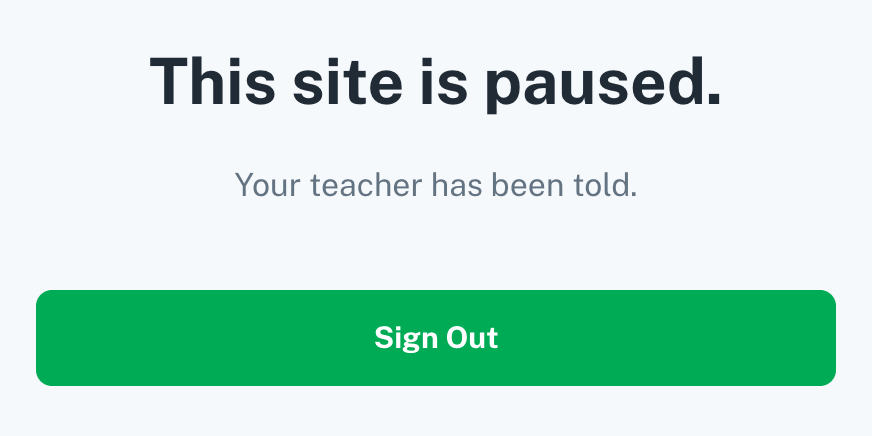
- Students see This site is paused.
To open your site again, select Pay Now on the red bar and pay. If your Stripe subscription has ended, the bar shows Choose A Package instead: pick a package on Billing and pay. Your whole site opens again as soon as the payment goes through.