Set up your school
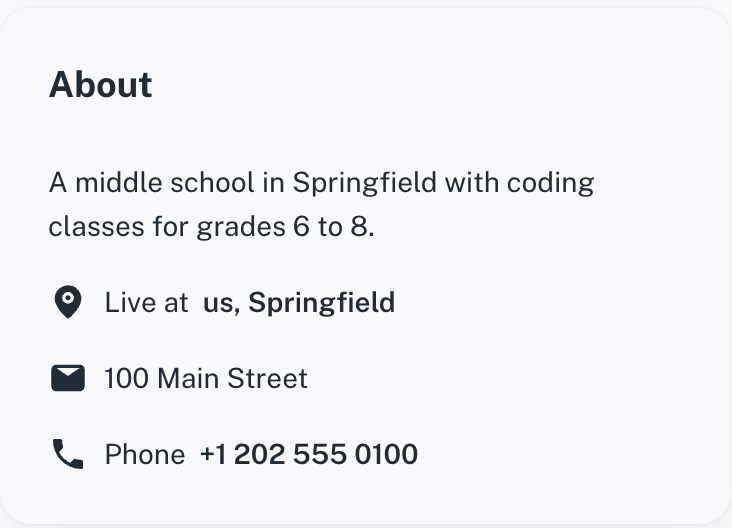
Fill in your school's address, phone number and description on the School page.
Your school's details show in the About box on the School page.
The School page is in the dashboard. Admins open the dashboard from their account menu: select your picture at the top right, then Manager Account.
Edit your school's details
- If you have more than one school, choose the school in the school menu at the top right.
- In the sidebar, select School.
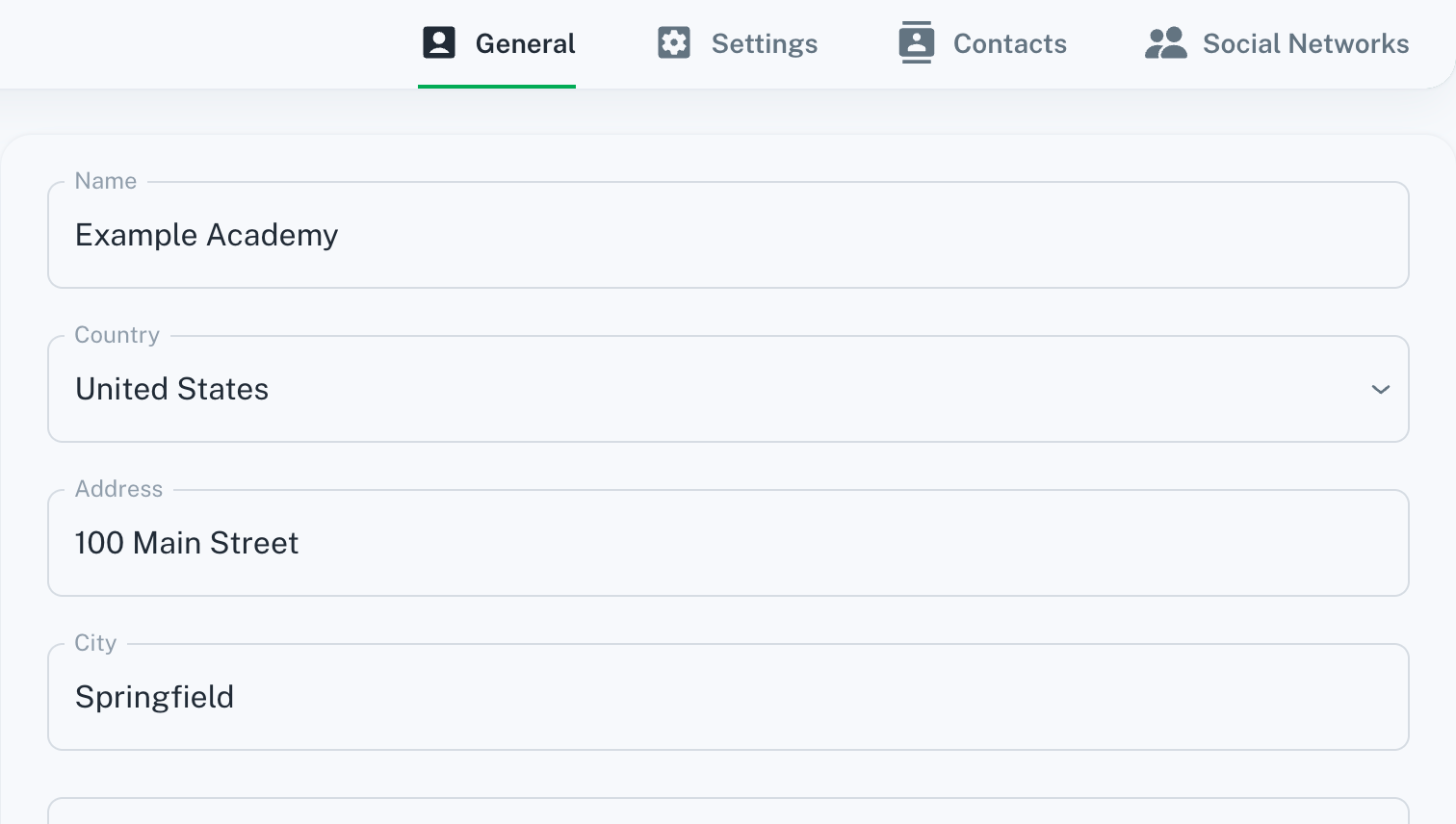
- On the General tab, fill in Name, Country, Address and City.
- Optionally, type a phone number in the box with the flag, and a short description in About.
- Select Save Changes. You see Update info success!
Your details now show in the About box on the left.